
What Happens Next?
Ten short clips that stop at the crucial moment. Students watch the start, the clip freezes, and everyone predicts what is going to happen. Then press Show me and find out who was right. It takes seconds to set up and gets the whole class talking, from lower levels guessing with going to to higher levels explaining what someone should have done.
Choose a clip

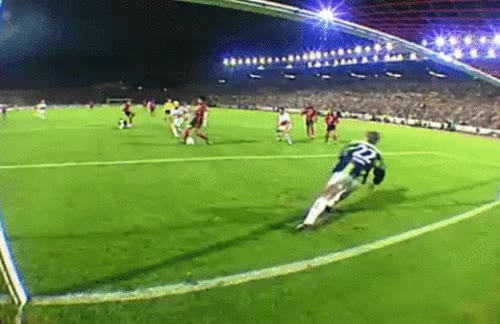
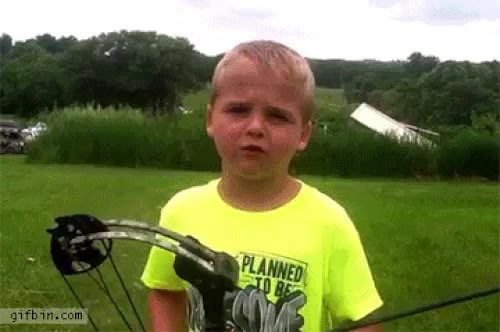
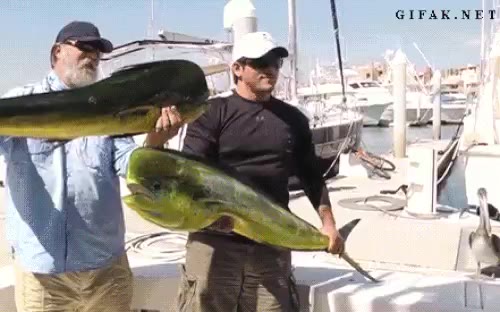

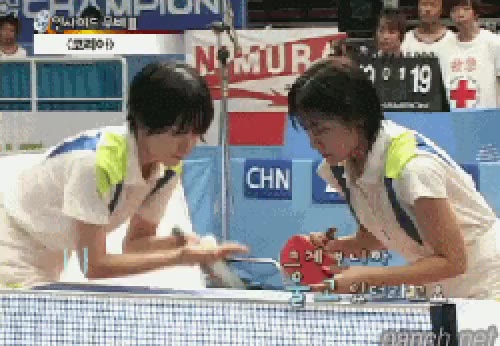
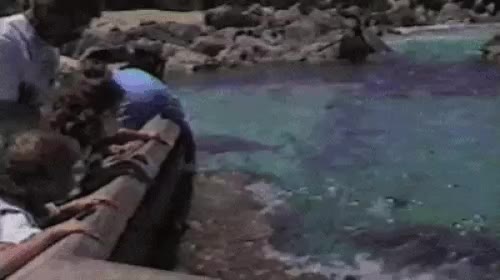
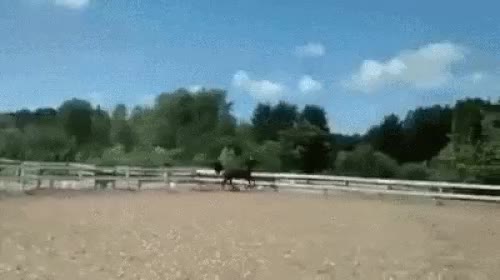
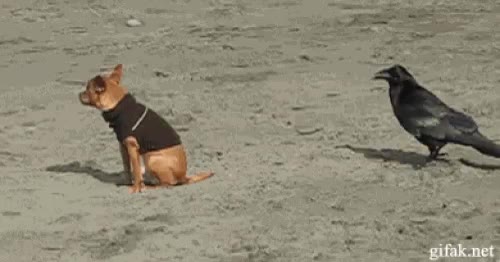
How it works
- Open the clips on the board or share your screen. Press Play the start.
- The clip stops by itself just before the important moment, and asks What happens next?
- Students make their predictions: in pairs, in teams or as a class. Press Watch the start again if they want another look.
- Press Show me to see the rest. Then talk about who was right, and move on to the Next clip.
Ideas for using it
- Prediction points. Teams write their prediction on paper before you press Show me. One point for a correct guess, a bonus point for the most creative wrong one.
- How sure are you? Students rank their predictions from certain to unlikely: will definitely, is going to, will probably, might, probably won't.
- What went wrong? After the ending, practise past modals: "He should have looked first." "She shouldn't have stood there." "They must have been really surprised."
- If only... Higher levels make third conditional sentences about the ending: "If he hadn't leaned over, he wouldn't have fallen in."
- Tell the story. Students retell the whole clip using the past continuous for the background and the past simple for the events: "A man was walking along the edge when suddenly..."
- Be the commentator. The clips have no sound, so ask a student to give a live commentary in the present continuous while the start plays again.
- Eyewitness. One student watches the ending, the other turns away. The witness describes what happened; the partner asks questions and then watches to check.
- Online lessons. Share your screen. Ask everyone to type their prediction in the chat at the same time, before anyone can copy.
Useful language
- Predicting: I think he's going to... · She'll probably... · They might... · I bet he... · I reckon...
- Certain or not: He's definitely going to... · There's no way she'll... · It looks like... · I doubt it.
- Reacting: I knew it! · I was right! · I didn't see that coming. · That was close.
- Looking back: He should have... · She shouldn't have... · He must have felt... · If he had..., he would have...
Tip: put the predicting phrases on the board first, so every student has a way to start.
Tips
- Give thinking time. Ten seconds of silence before anyone answers gets better predictions from quieter students.
- Ask for reasons. "Why do you think that?" turns a one-word guess into a sentence.
- Full screen. On a computer, press the full screen button (or F). Space plays the start and shows the ending; the arrow keys change the clip.
- Link to one clip. Each clip has its own link, for example
watch.php#clip-3, so you can send students straight to it.
More speaking activities
Try Story Cards for storytelling, the Fortune Teller for more predictions, or Describe the Picture for the present continuous. For more ideas, browse our exercises and activities and lesson plans.